
WIPL-D Python Library
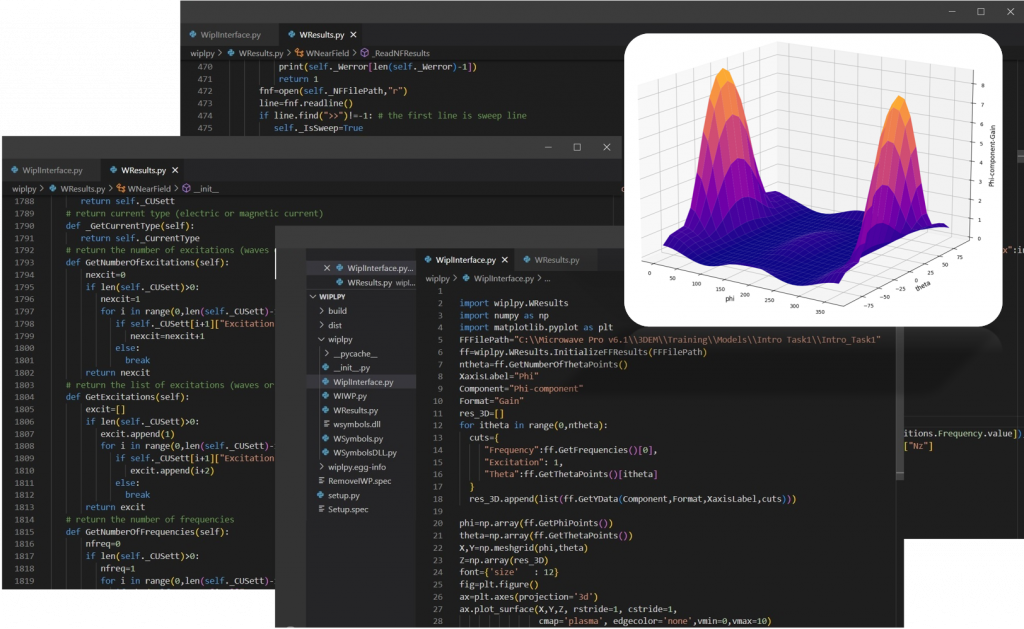
WIPL-D scripting in Python is powerful, comprehensible, and easy to use library that allows users to access and modify symbols lists, to open and run WIPL-D suites, and to get hold of simulation results.
Please follow the next steps to install WIPL-D library:
- Download and unpack WIPL-D Python library
- Open Windows PowerShell in Administrator mode
- Install .whl file.
For example, if you have downloaded wiplpy-1.0.0-py3-none-any.whl to the folder C:\Downloads\ use the command below to install the .whl package file:
- pip install C:\Downloads\wiplpy-1.0.0-py3-none-any.whl
WIPL-D Python Library User’s Guide
The WIPL-D python user guide for WIPL-D python library with many useful examples and installation guide can be downloaded as .pdf file.